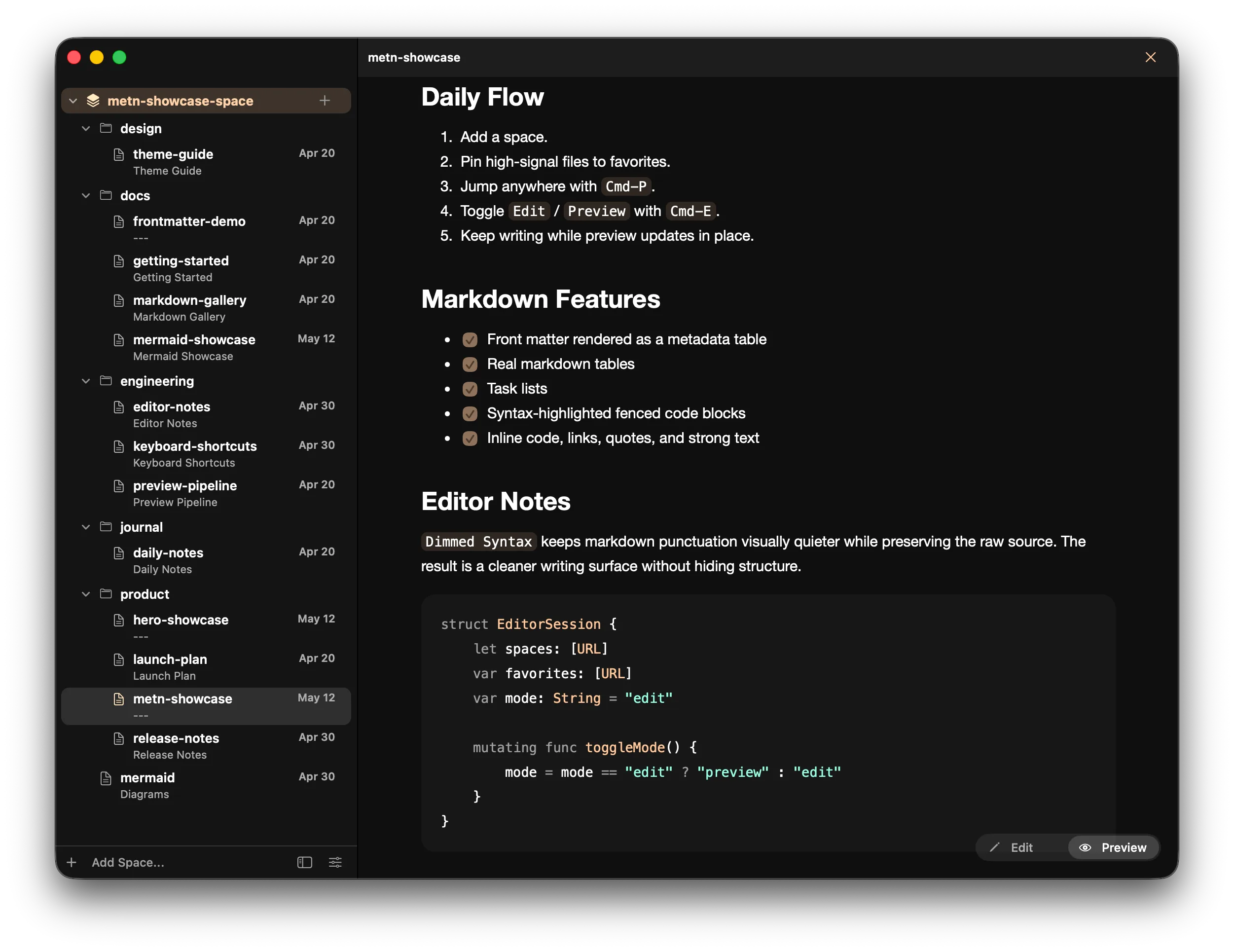
Native macOS Markdown editor

The native Mac markdown editor for normal folders.

Open local folders, keep ordinary .md files where they are, and move between edit, preview, search, and Mermaid in one AppKit window.

Native AppKit. No account. Your folders stay yours.

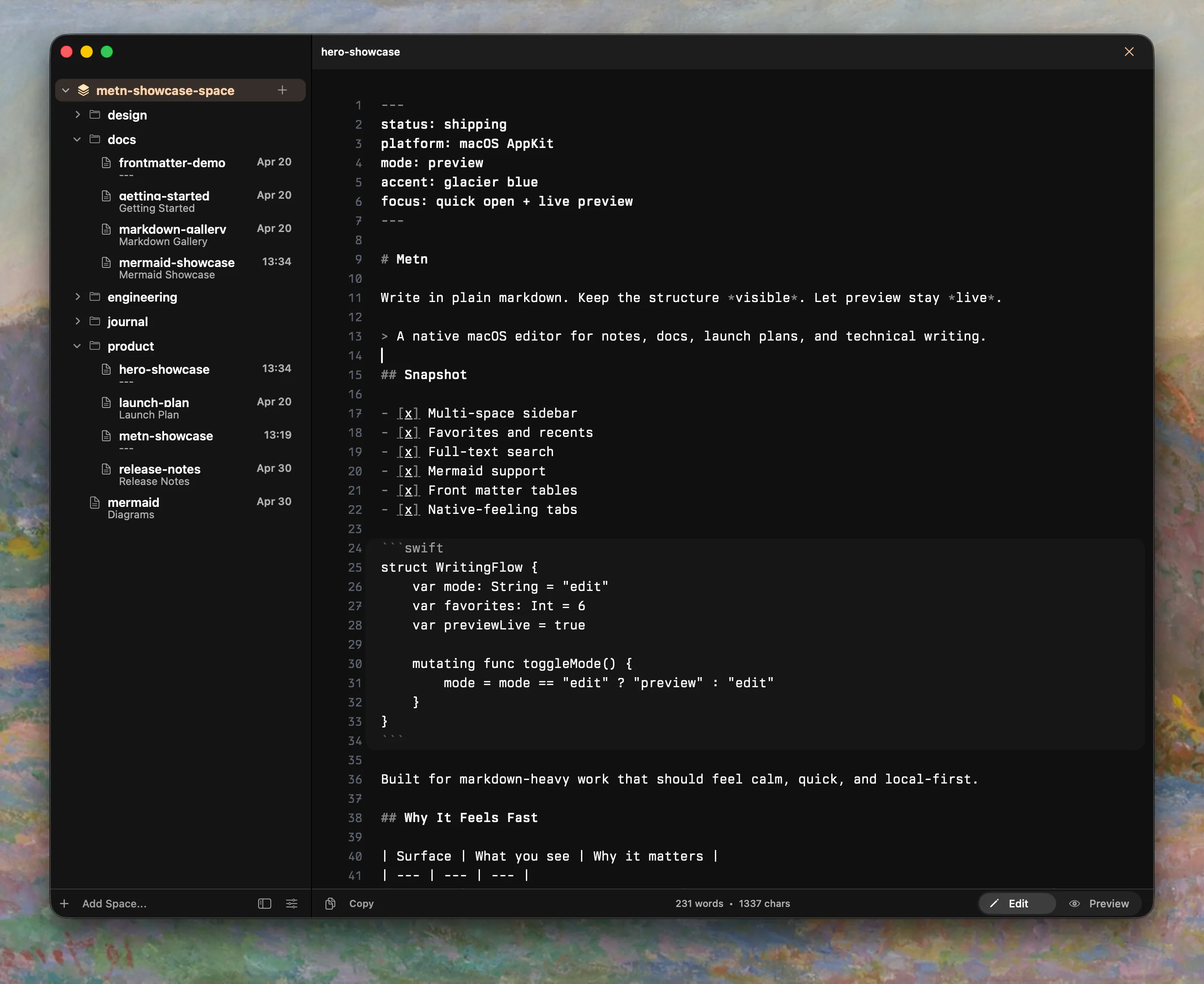
Edit, preview, and navigation stay in one Mac window.

Metn edit mode screenshot in dark theme

Features

Proof for real docs, not just clean demos.

Preview

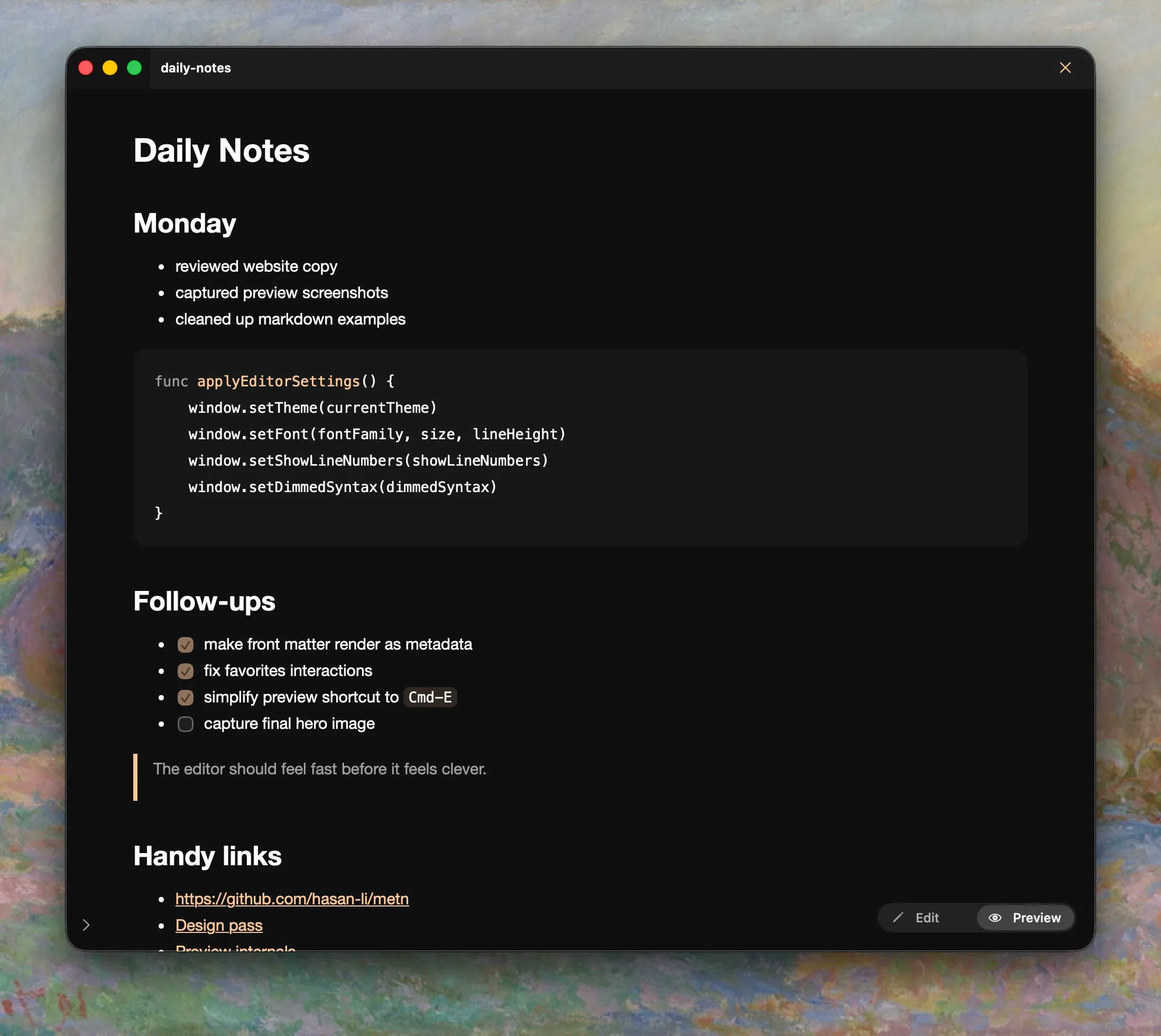
Preview holds up on real technical notes.

Switch to rendered output without losing structure or readability.

  • Front matter becomes readable metadata before the main body.
  • Dense plain-text files can stay lightweight or plain text.
  • Preview stays useful for READMEs, notes, and reference docs instead of only polished demos.
Preview holds up on real technical notes. screenshot

Preview

Preview holds up on real technical notes.

Switch to rendered output without losing structure or readability.

  • Front matter becomes readable metadata before the main body.
  • Dense plain-text files can stay lightweight or plain text.
  • Preview stays useful for READMEs, notes, and reference docs instead of only polished demos.
Quick Open and search keep up with larger folders. screenshot

Navigation

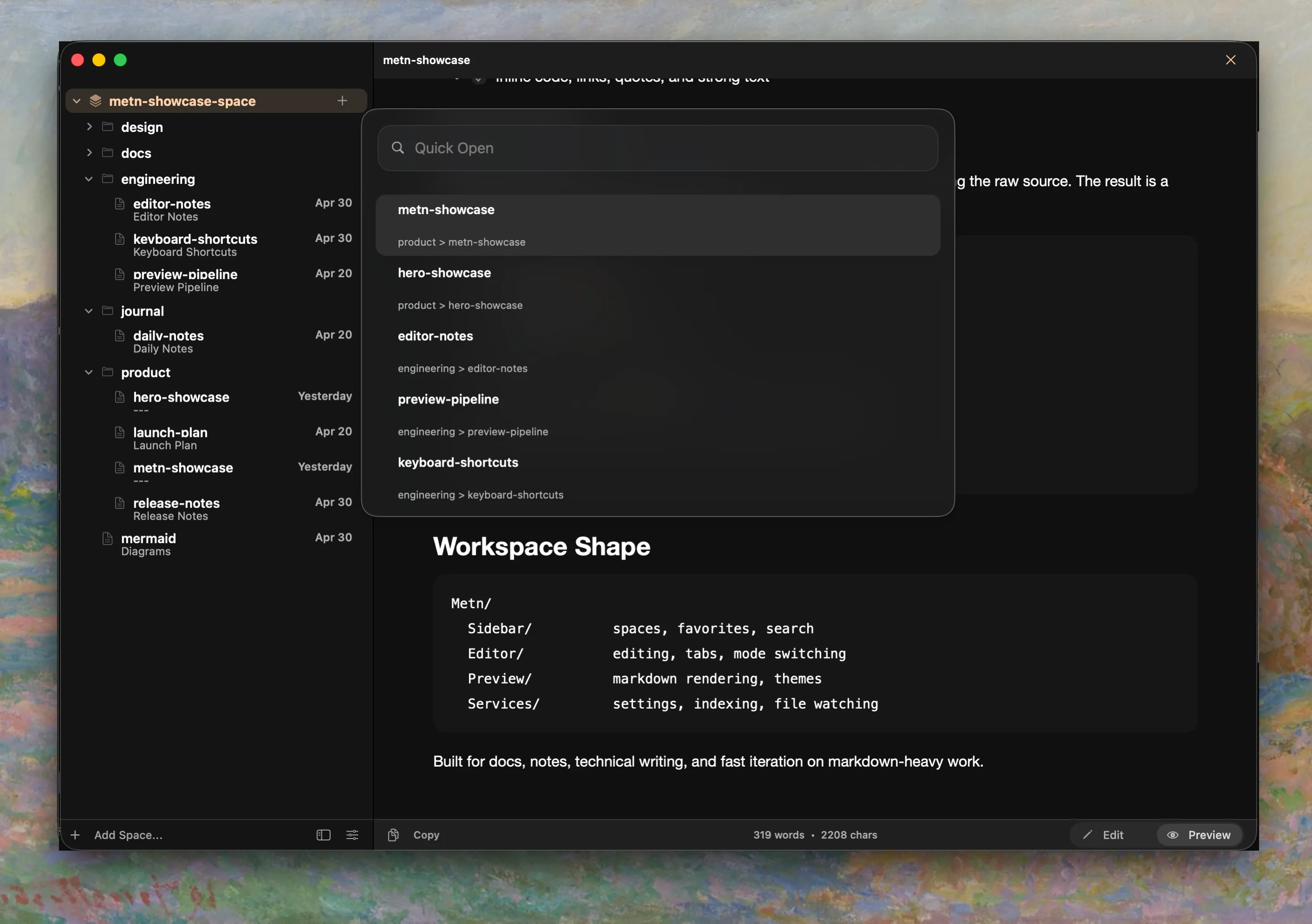
Quick Open and search keep up with larger folders.

Jump between folders and files without leaving the keyboard.

  • Quick Open matches file names and paths.
  • Sidebar search covers every loaded space.
  • Favorites pin the files you reopen often.
Mermaid appears only when the file uses it. screenshot

Mermaid

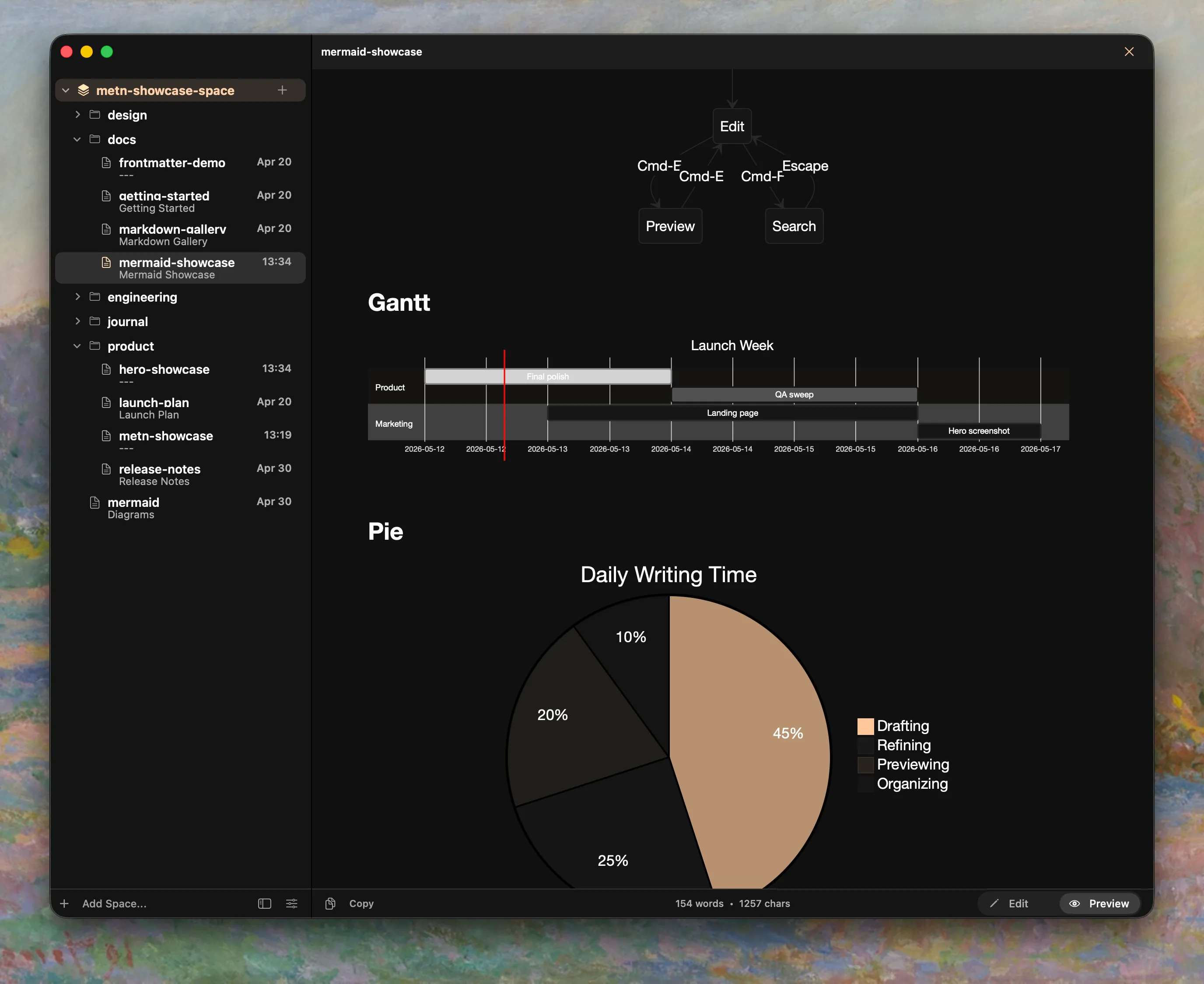
Mermaid appears only when the file uses it.

Mermaid support stays out of the way until a file needs it.

  • Mermaid is lazy-loaded instead of shipped into every preview.
  • Invalid diagrams keep the source block visible with an inline error.
  • Rendered diagrams follow the active light or dark theme.

Why local files

Use the folders you already trust.

Metn does not ask you to move your notes into a new library. It stays close to the folders, filenames, and reading modes you already rely on.

Plain files

Your folders stay in charge.

Metn opens the Markdown folders you already keep locally instead of copying them into a separate library.

  • .md files stay in normal folders with normal names and paths.
  • There is no export step, sync layer, or app-owned database sitting in front of your notes.
  • Files remain usable whether they were edited by you, a teammate, a script, or an AI tool.

Native behavior

The details behave like a Mac app.

Window chrome, keyboard flow, density, and sidebar behavior are part of the product instead of being faked around a browser shell.

  • AppKit windowing, shortcuts, and sidebar behavior.
  • Multiple spaces, Quick Open, and favorites stay in one window model.
  • Per-file undo history and large-file handling stay part of the editor model.

Daily use

It still feels simple once the folder grows.

Search, favorites, and per-file undo stay part of the same window model instead of turning into separate systems.

  • Search works across loaded spaces instead of one folder at a time.
  • Favorites pin the files you reopen often.
  • Large-file handling and per-file undo stay in the editor model.

Themes

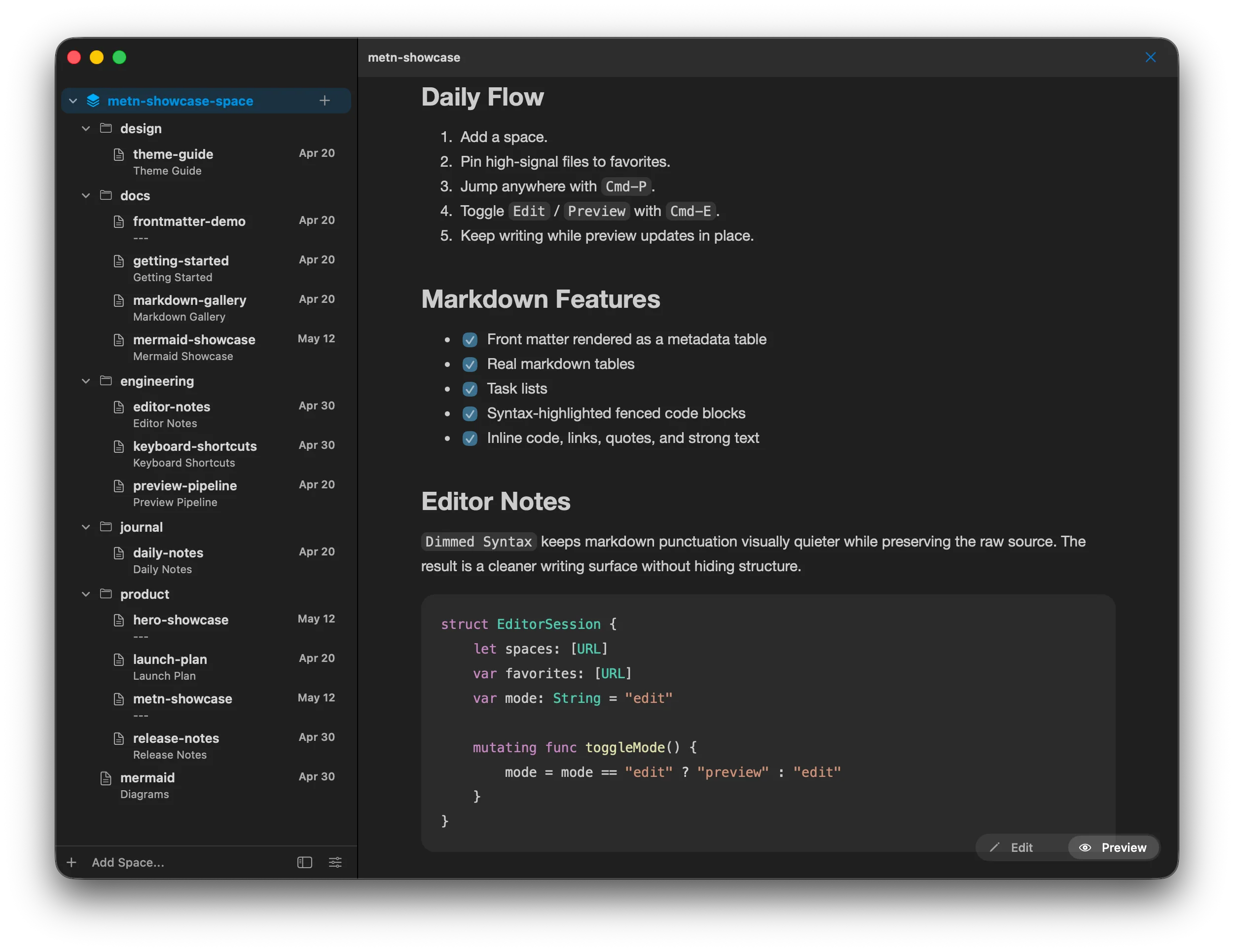
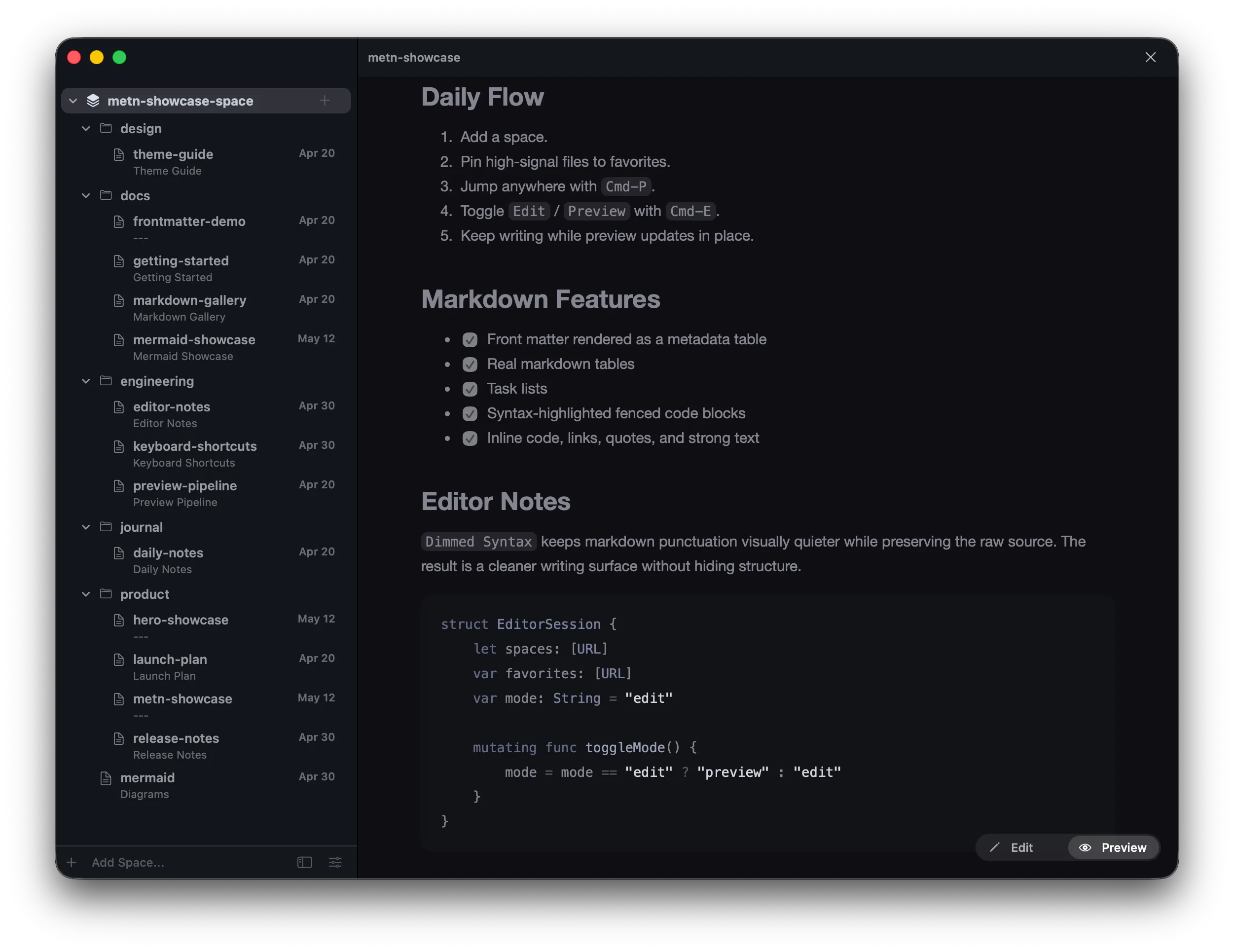
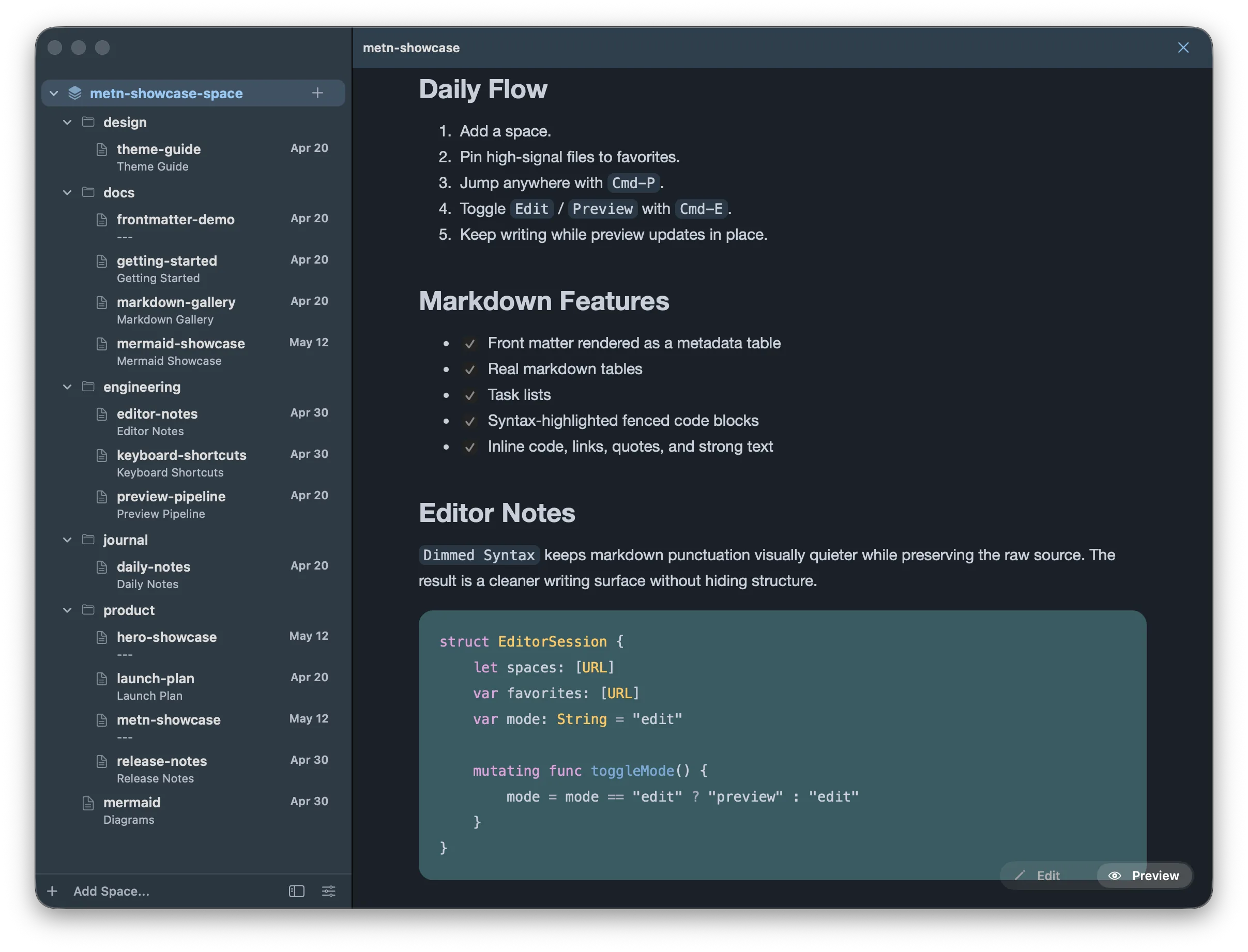
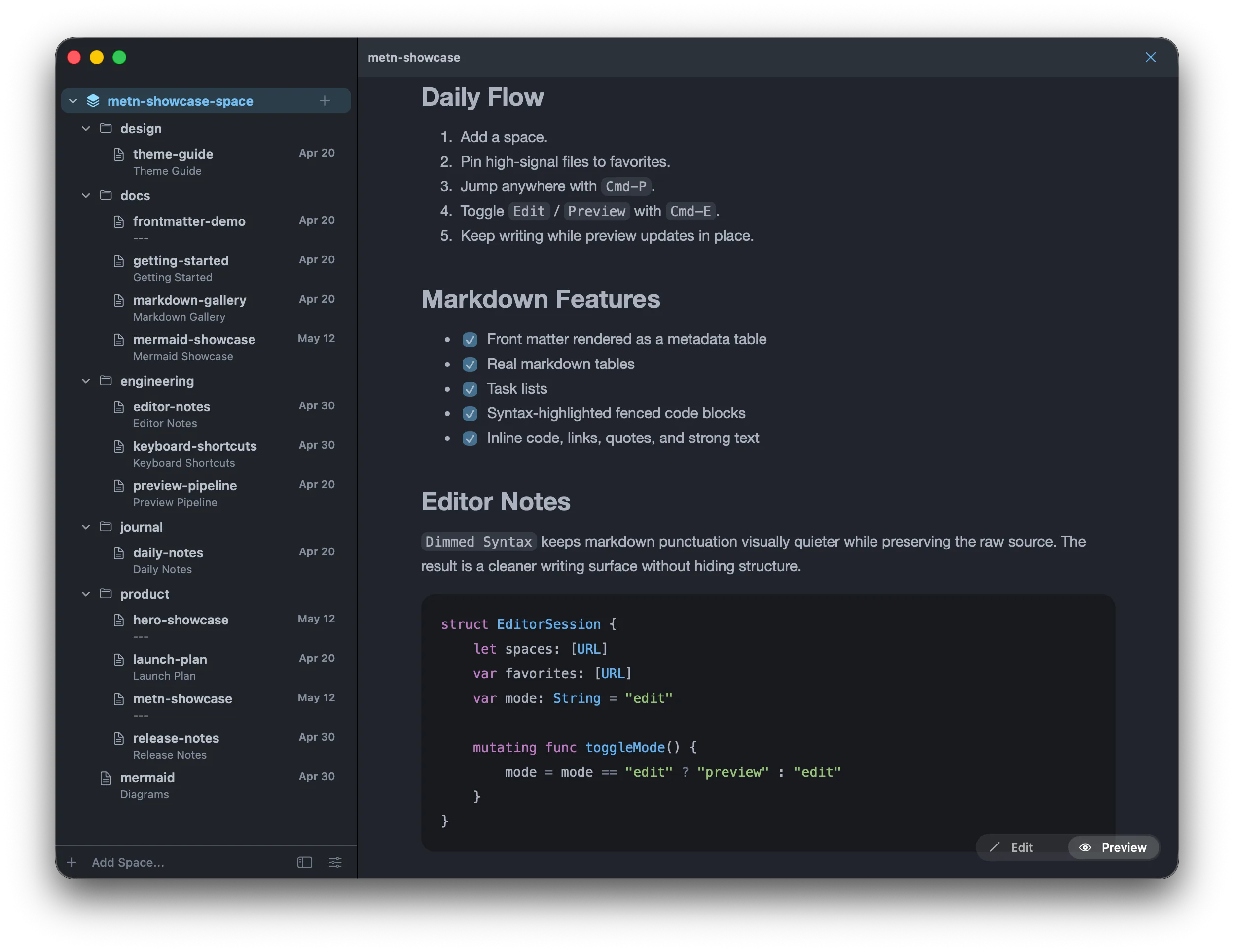
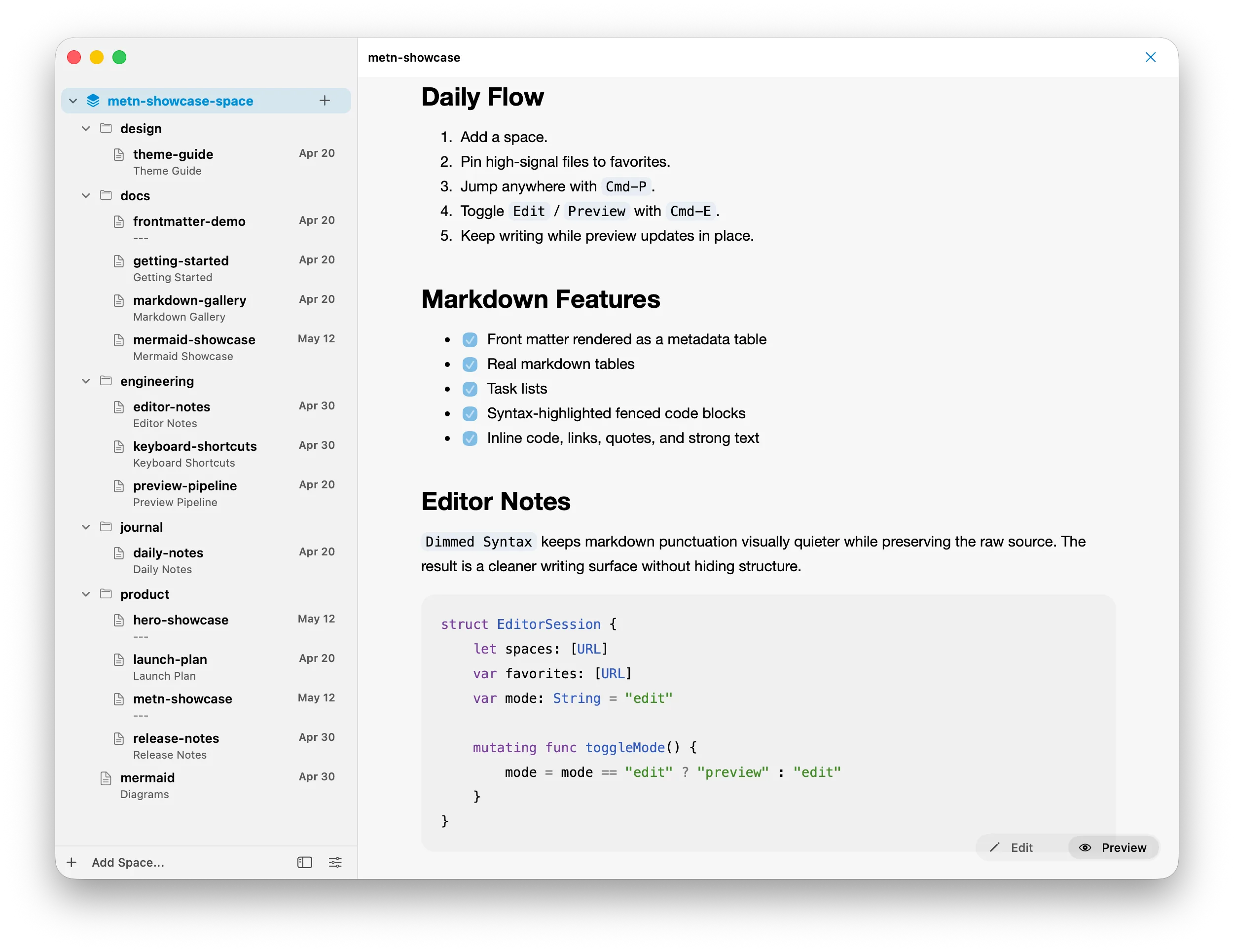
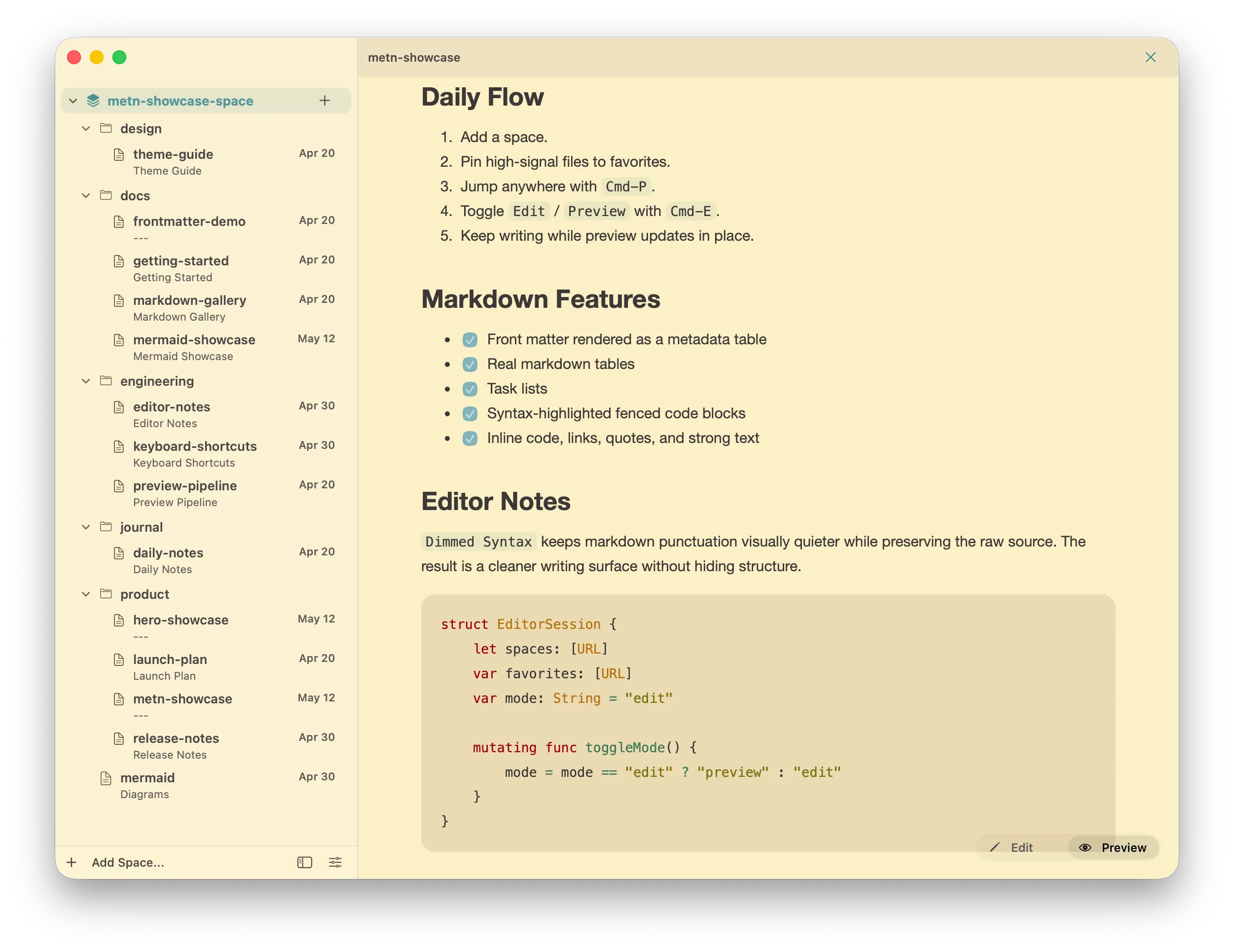
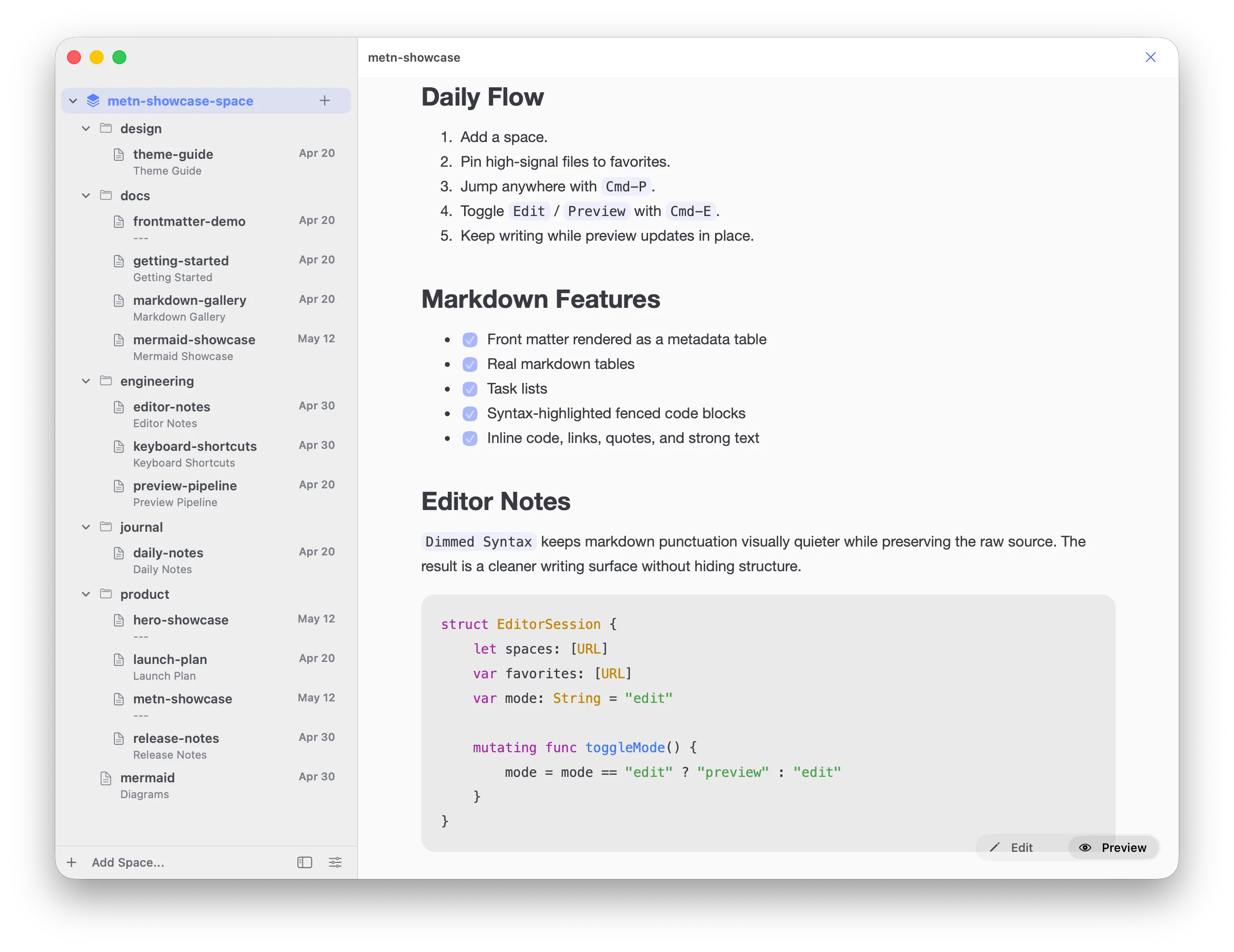
Themes for different tastes.

Download

Try the editor that respects your files.

Download Metn for macOS and work directly with the folders you already trust.

Download for macOS
  • macOS 13+
  • No account
  • Plain .md files
  • Local folders