Metn means text.

mətn text

A native Markdown editor for Mac. Write notes, READMEs, and technical documentation with code blocks and diagrams.

Download for macOS

macOS 13+ · Free · No account

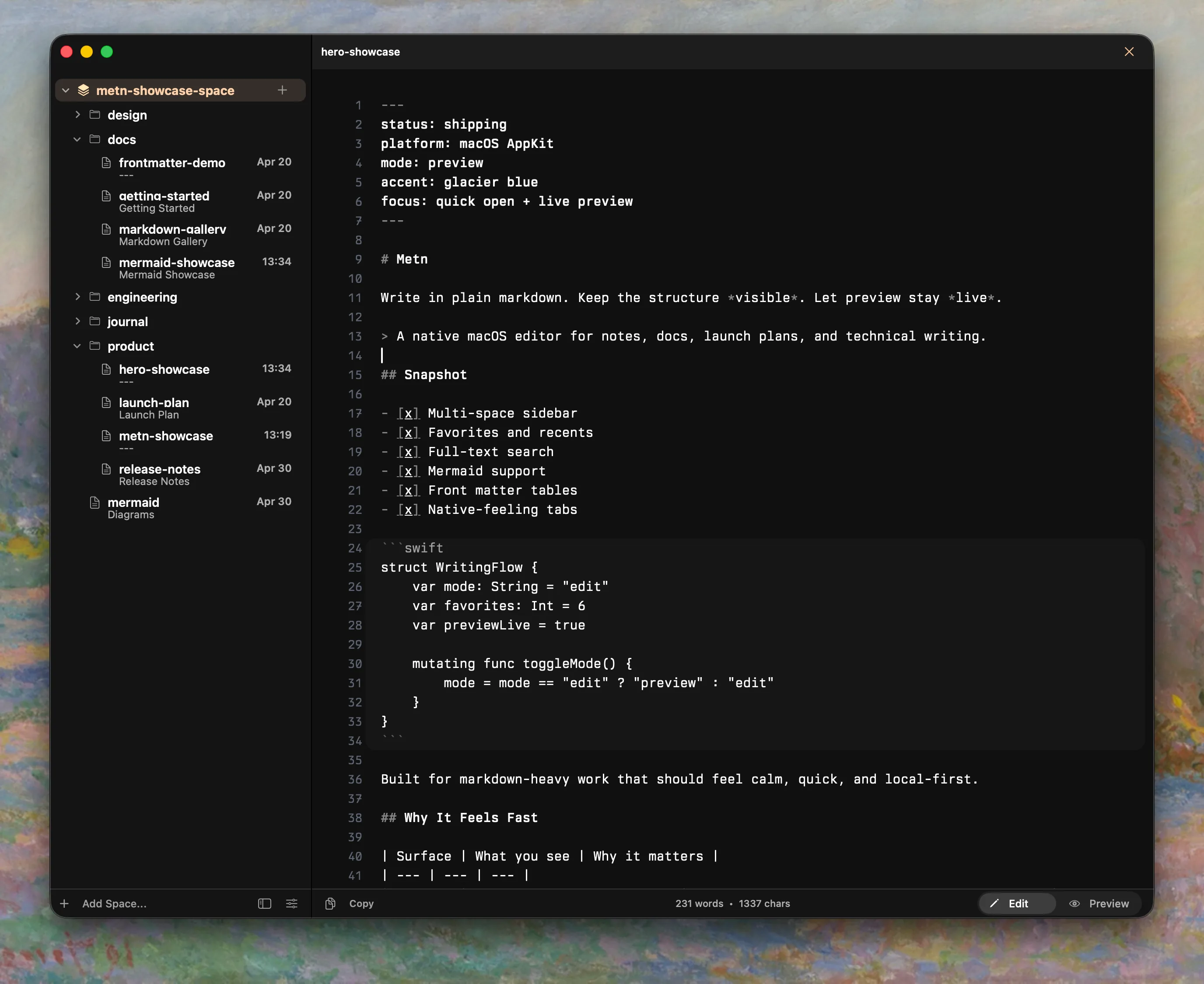
Metn’s editor, with a Markdown document and local project folders in the sidebar.

Edit and Preview side by side

One file, two views. Write the source, read the result.

Edit

Release dashboard in Metn’s Markdown editor, with tasks, a table, Swift code, and Mermaid source.

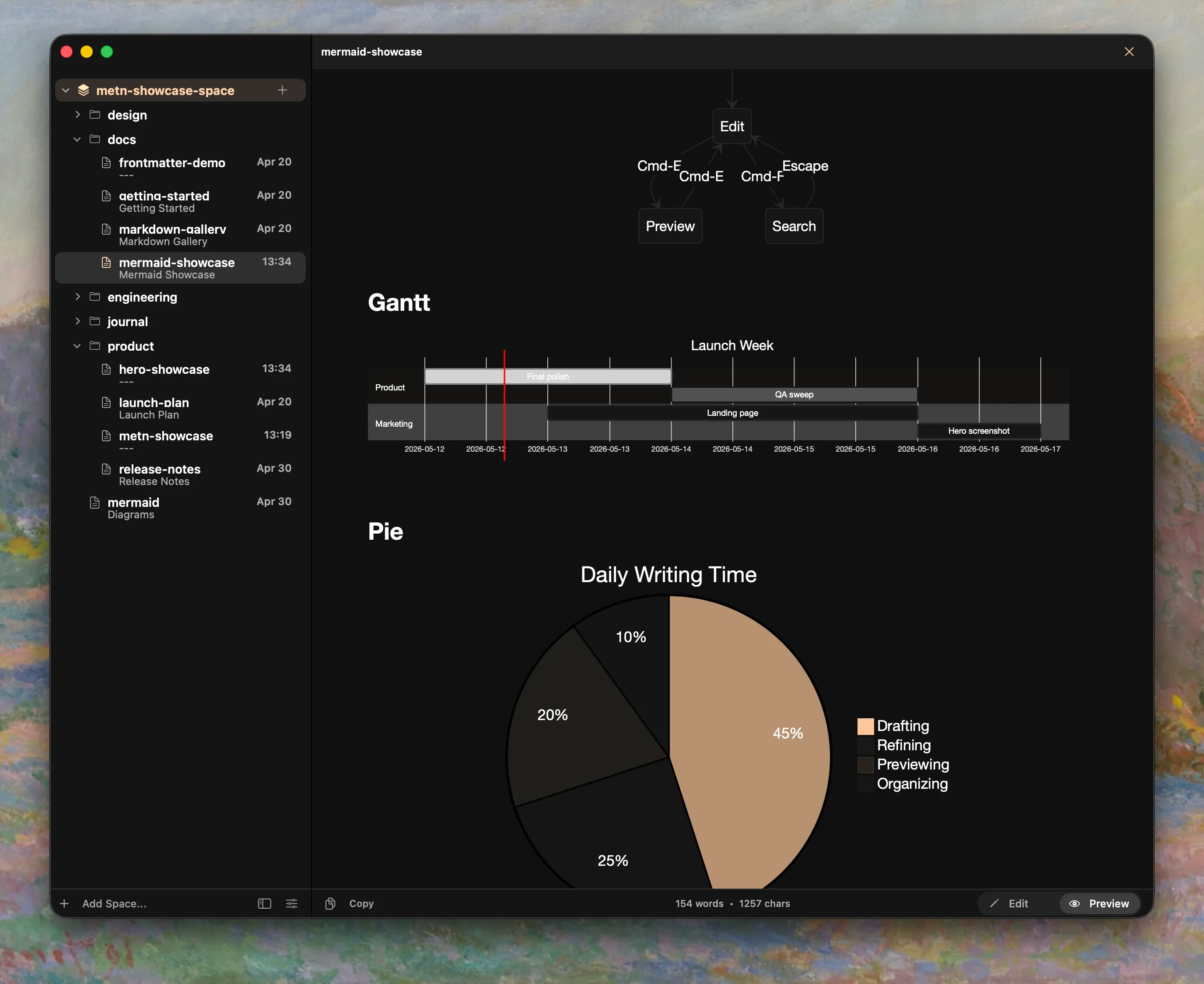
Preview

The same Release dashboard in Preview, rendering a checklist, table, Mermaid flowchart, Swift code, and pie chart.

Features

Links & backlinks

Link any note to another. Each note keeps a list of the notes that link back to it.
Release routine Save queue Link Backlink
A note in Metn with a rendered diagram, links to other notes and a Backlinks control in the status bar.

Tags & graph

Tag notes in their front matter. Browse a tag as a list, or see how tags connect your notes as a graph.

tags: [reading] #reading
Metn’s Tags graph, connecting notes about writing, design, engineering, research, reading, and everyday life.

Search

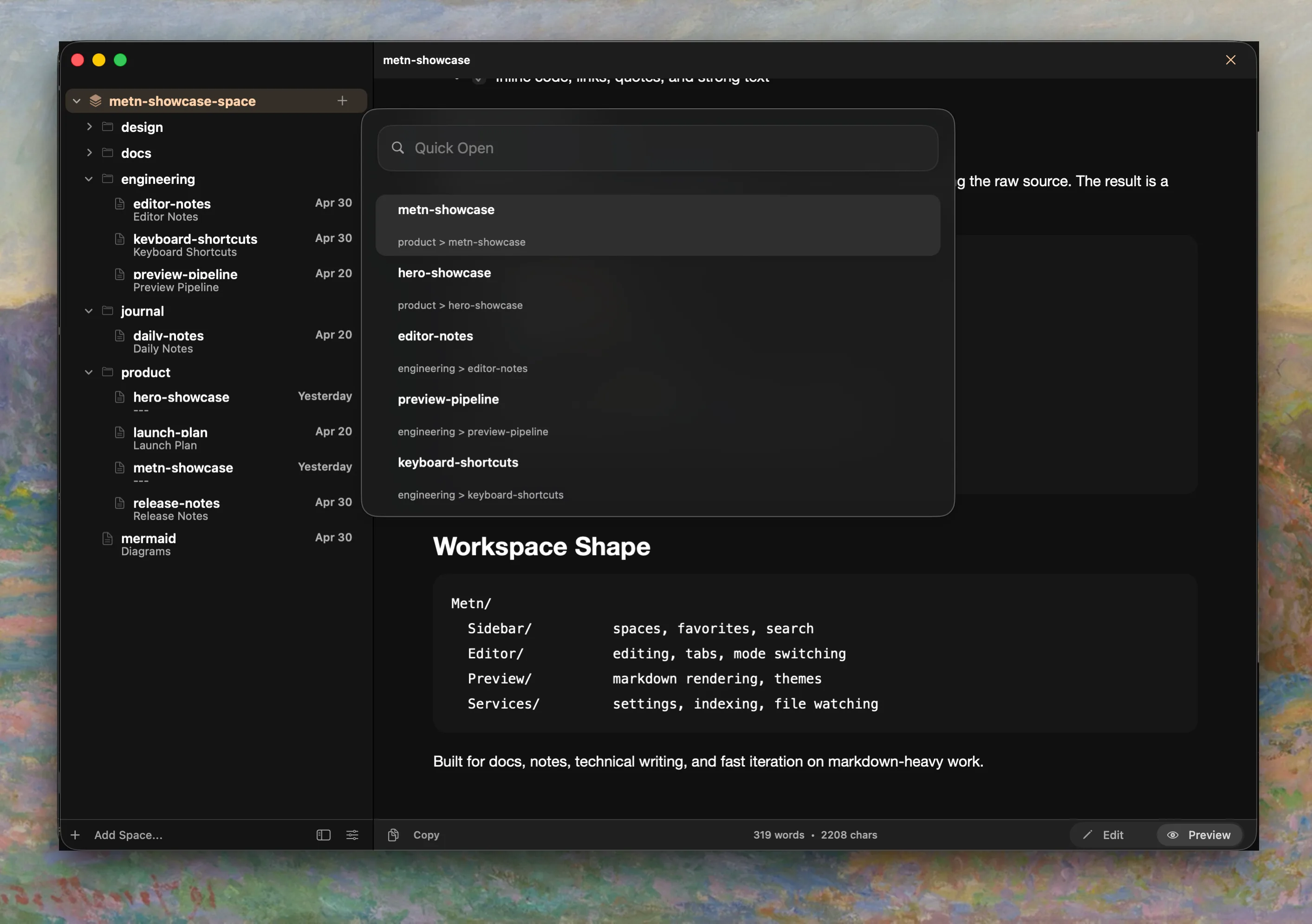
Jump to a note by name, or search inside every file in your Spaces.
queue Document sessions Save queue queue Preview pipeline Reading queue queue
Metn’s Quick Open panel over a note, listing notes from two Spaces with the Space each one belongs to.

Themes

Choose a palette that’s comfortable for a long session.

Aa Light Aa Gruvbox Light Aa One Light Aa Sunset Aa Dark Modern Aa Sequoia Monochrome Aa Vesper Aa Qara Aa Alabaster Dark
  • Light
  • Gruvbox Light
  • One Light
  • Sunset
  • Dark Modern
  • Sequoia Monochrome
  • Vesper
  • Qara
  • Alabaster Dark

Open Metn.
Start with a note.

Pick a folder and write. No account, no import.

Download for macOS
FilesPlain .md, left in your folders
RequiresmacOS 13 or later
Download7.3 MB